The Flagship Sampling Sidekick
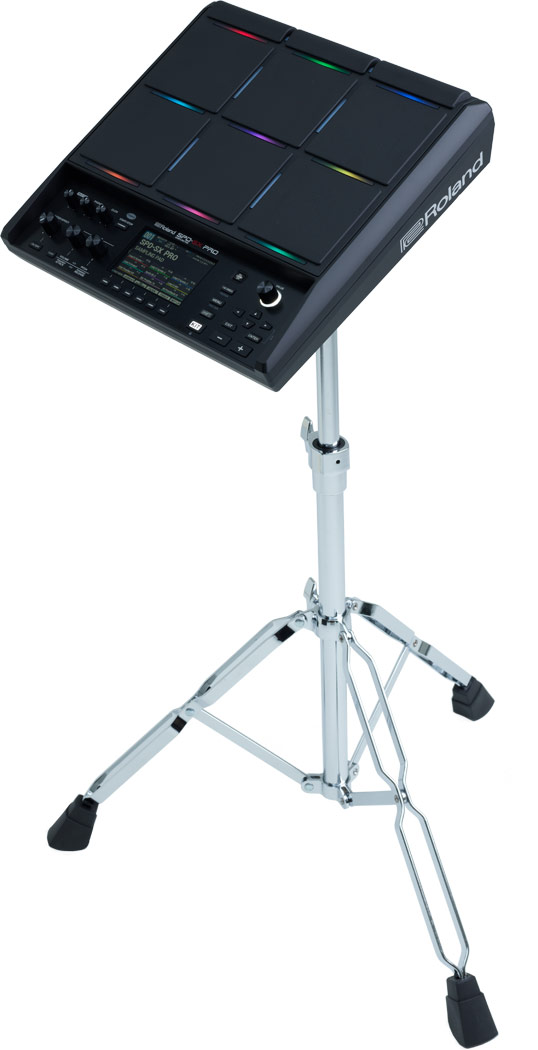
Engineered for superior playability and packed with next-generation features, the SPD-SX PRO is the ultimate sampling pad for serious live performers. Illuminate dark stages with a large color display and customizable multi-color trigger lights. Expand your setup with ample audio outputs and trigger inputs, plus hi-hat and FX expression pedal control. And go further with 32 GB memory, premium sound quality, and the dedicated SPD-SX PRO App for quick kit editing.
The SPD-SX PRO has gotten even more powerful since its initial release, thanks to numerous workflow enhancements for both live and studio work. Import of SPD-SX backups is now supported, making upgrading a breeze. There’s also time stretching for seamless tempo changes, creative mute control for tracks and external triggers, automatic BPM detection, and much more.
Get the Latest SPD-SX PRO System Software
-

Roland SPD-SX PRO Version 2.0 | Everything You Need to Know
The Roland SPD-SX PRO just got even more powerful. Version 2.0 delivers a major feature expansion for the flagship sampling pad, giving performers greater control, deeper flexibility, and faster workflows in both live and studio situations.
-

Introducing the Roland SPD-SX PRO Flagship Sampling Pad
Meet the flagship pad in the sampling pad lineup: SPD-SX PRO. Harnessing Roland’s advanced sampling technology, the SPD-SX PRO boasts an array of requested, enhanced professional features. And each component has been tested to withstand the pressures of life on the road.
-

Roland SPD-SX PRO Sampling Pad Stephani B Performance
This video features a large-scale sample pad concept triggered by Stephani using MIDI to DMX to control the lights in real time. When the SPD-SX PRO pads are played, the LED lights on the wall trigger in time with the LED lights on the pad.
-

Roland SPD-SX & SPD-SX PRO Sampling Pad Comparison
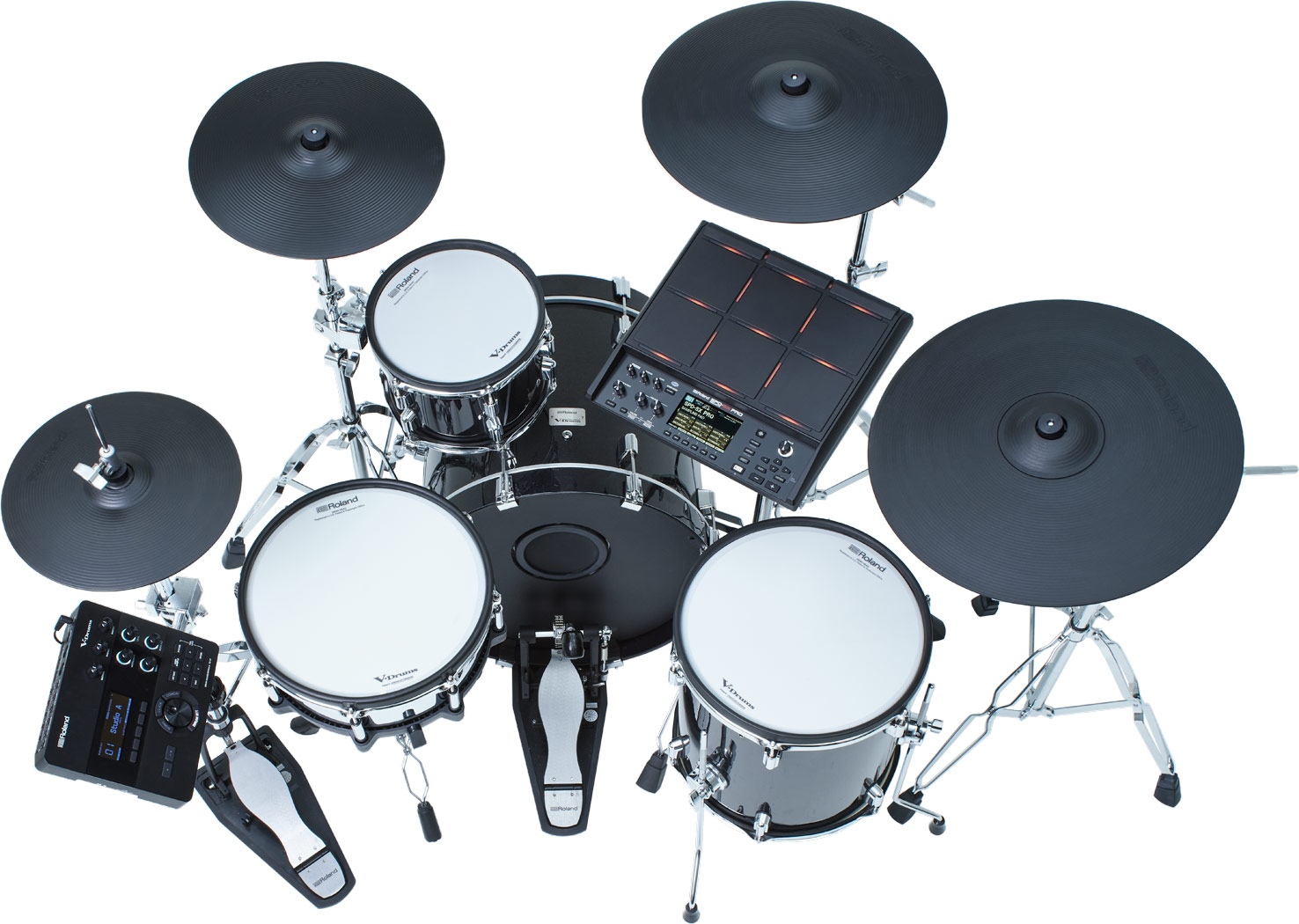
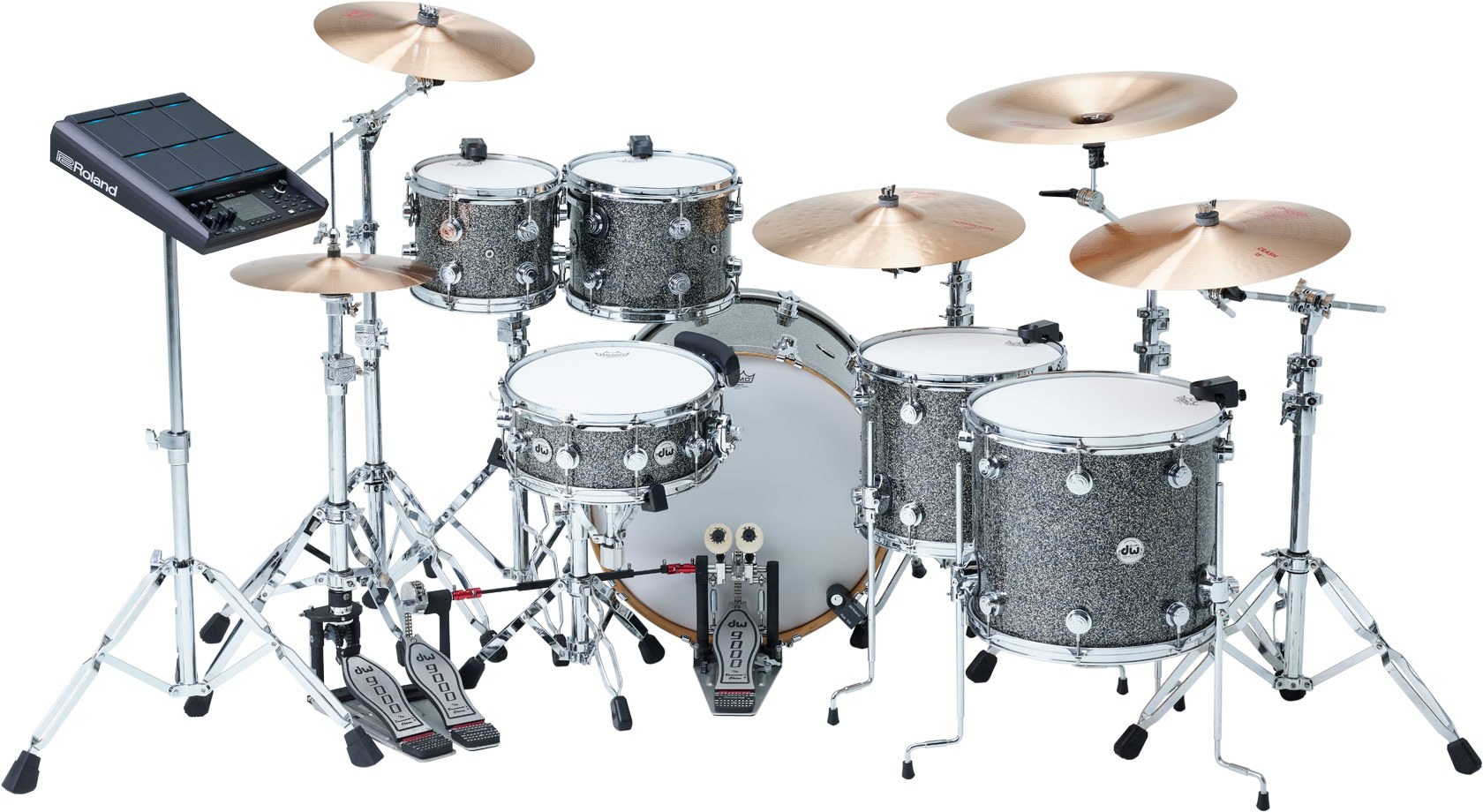
Whether playing the beloved SPD-SX or the flagship SPD-SX PRO, drummers will be blown away by each pad’s sounds and capabilities. With advanced triggering and sampling technology, these pads fit perfectly into both electronic and hybrid setups—from the live stage to the recording studio, DJ booth, or home music room.
 ABE CUNNINGHAM / DEFTONES TOUR
 Built to Hit the Road
Since 2011, pro drummers have put the SPD-SX through intensive trial by fire, from packed clubs to sold-out stadiums. The SPD-SX PRO adds to that legacy, incorporating years of feedback into its upgrades. With customizable LEDs, an impressive color screen, and triggering you can count on, this bulletproof package is ready to rock night after night.

Customizable Pad-Dividing LEDs
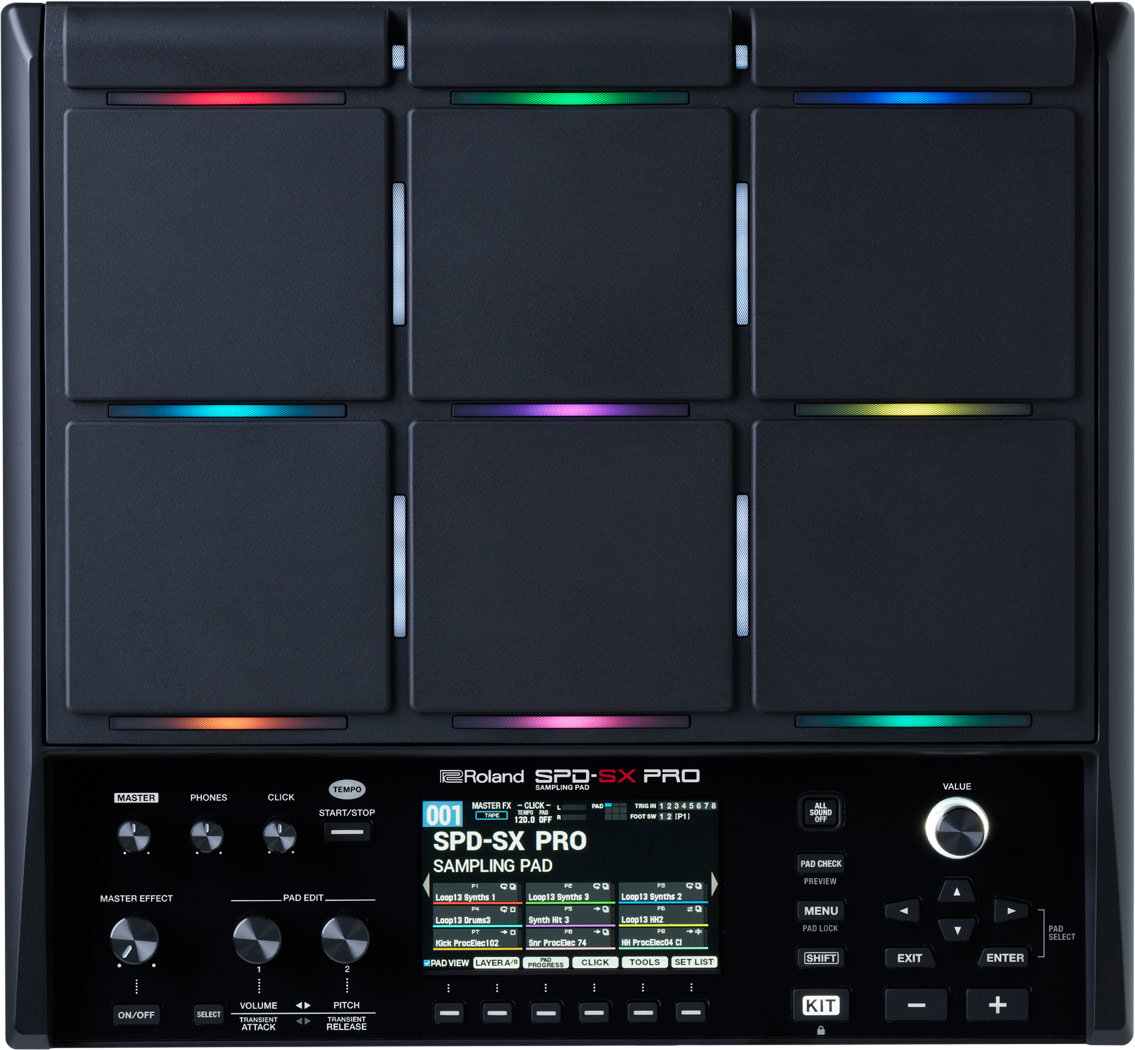
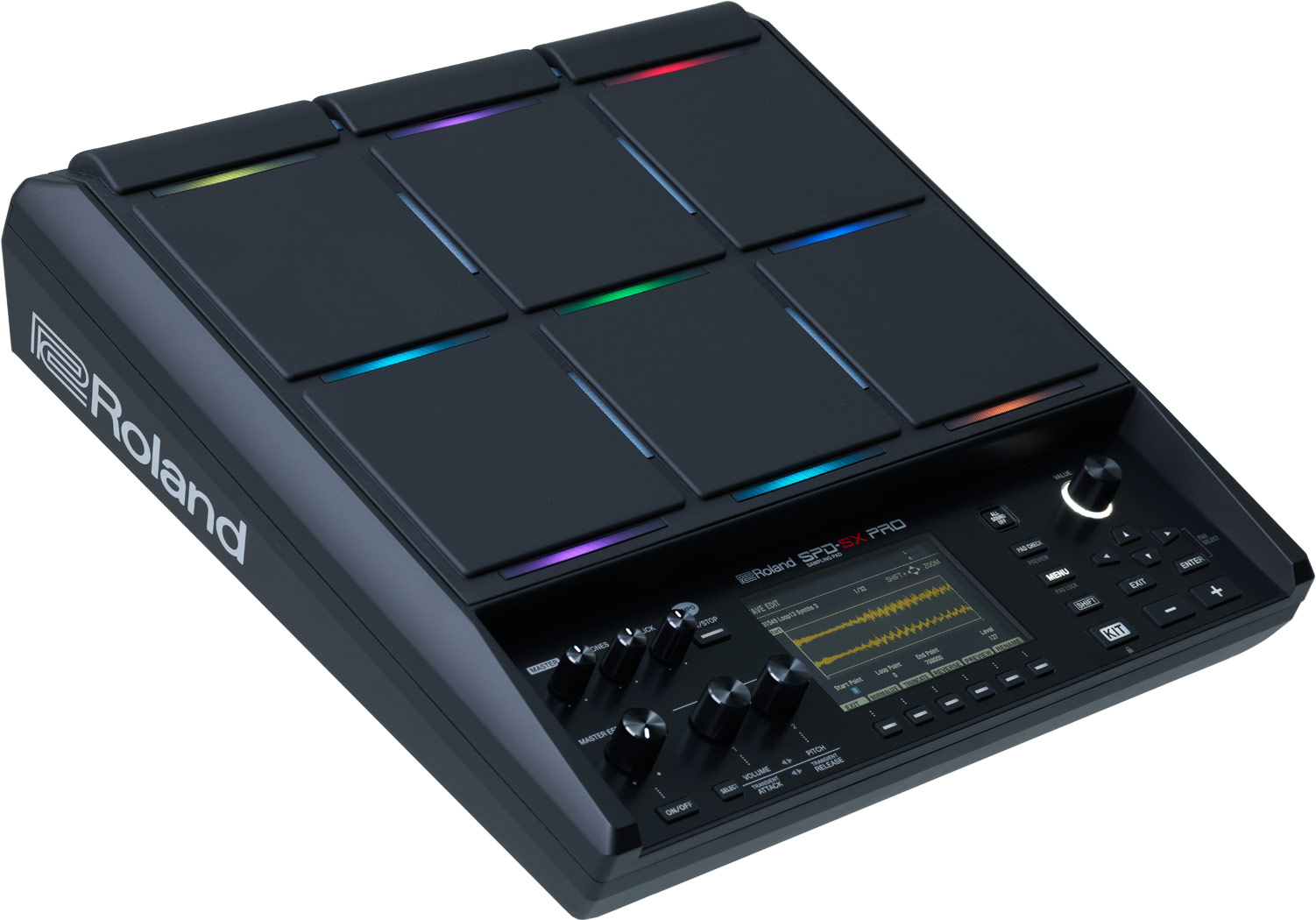
When the lights go down, the SPD-SX PRO lights up. Customizable pad-dividing LED and trigger lights let you see all nine pads on dark stages—goodbye tape labels. Assign any vertical or horizontal light to one of ten preset colors or create and name your own. Group kicks, snares, backing tracks, and clicks with their own assigned colors. And easily control light assignments with adjustments for brightness, status, and more.
Ultra-Responsive Pads
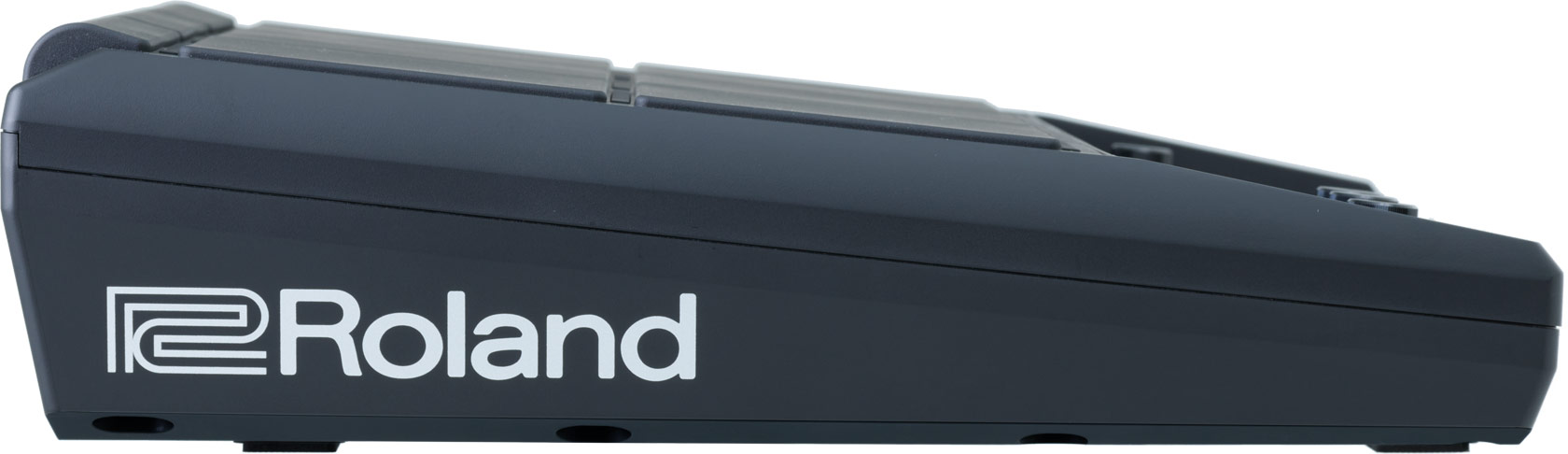
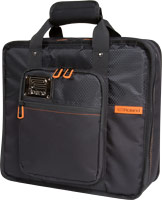
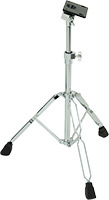
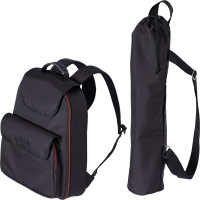
The SPD-SX PRO features nine super-durable pads with Roland’s famous expressive response. The top three shoulder pads include a revised sensor structure for increased sensitivity and even-sounding hits, regardless of the mounting angle. You also have improved crosstalk protection to prevent accidental triggering of other pads. And if you already own an SPD-SX, the SPD-SX PRO’s dimensions are so close that you can use your existing carrying case and accessories.

Color LCD Screen
Playing in the dark just got easier. The SPD-SX PRO features a large 4.3-inch color screen, backlit function buttons, tabs, and a jog-dial for lightning-fast sound selection. The display shows essential real-time information, including A/B sample layers, WAV sample names, sample playback progress, and more.

SPD-SX Backup Compatibility
If you’re upgrading from the SPD-SX, you can transition to the flagship model without missing a beat. The SPD-SX PRO now supports SPD-SX backup files, allowing you to load your existing performance setups in a single pass.
All the Sounds You Need
The crowd roars. The pressure is on. You need the right sounds at the right time. The SPD-SX PRO’s massive 32 GB memory will hold your entire music catalog for multiple gigs. With 1550 onboard samples, 200 lock-and-loaded kits, and balanced outputs, you can put this sampling pad to work right out of the box. Plus, easily sort and search your sounds with sample tags—no more searching for a needle in a haystack.


Storage and Sounds
The SPD-SX PRO holds nearly 44 hours of crystal-clear 48 kHz/16-bit stereo audio, making storage worries a thing of the past. And there’s no need to fuss with converting your source formats. Load 44.1/48 kHz WAV, AIFF, and MP3 files with varying bit rates, and let the SPD-SX PRO automatically convert them to its native linear audio format—a huge time saver.
Expanded Audio Outputs
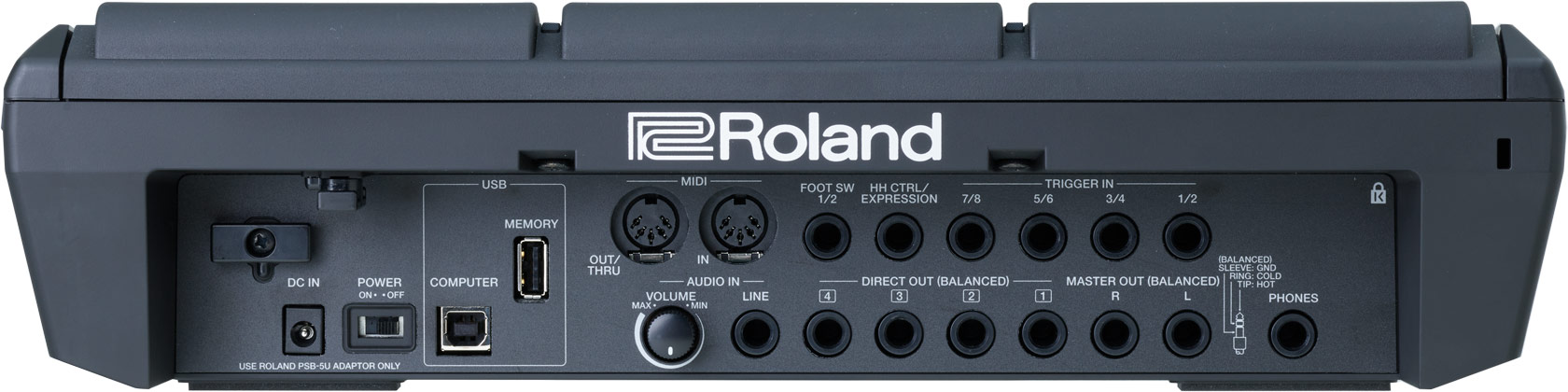
The SPD-SX PRO features balanced stereo master outputs plus four fully assignable mono audio outputs, giving you six individual audio feeds to send any pad to any output for stage mixing flexibility. There’s also an assignable stereo headphone output for custom monitoring scenarios.
 CRAIG BLUNDELL / STEVE HACKETT TOUR / UK
Loaded Samples and Sounds
Create freely with 1550 sounds and 200 total kits, including 43 rewritable preset kits and 157 empty user kits for your own sounds. With the newly added time-stretching algorithm, you can sync the tempo of a WAV file to the kit’s tempo, just like a DAW. In addition, the SPD-SX PRO’s muscular processing lets you swap to a new kit for the next song without cutting off the sound of the previous kit. Need some additional inspiration? Dive into Roland Cloud sample libraries to discover an ever-expanding selection of sounds.
Explore Roland Cloud

A/B Layering
It’s easy to create custom sound layers with the SPD-SX PRO. Assign a sound as the main layer within the pad menu. Then select another sample to layer with your original to get main and sub layers on the same pad. Play the layers together or alternate between them, and use independent volume, pitch, and transient controls to dial in the perfect blend.
A Creative Force
The SPD-SX PRO is packed with features to lift the weight of pre-gig planning and deliver flawless performances on stage. Download and organize sounds with a dedicated app. Get creative with four effects engines and connect a hi-hat controller or an expression pedal. Then mix in some magic with expanded trigger inputs and the onboard 16-step pad sequencer.
 KAZ RODRIGUEZ / JOSH GROBAN TOUR / LOS ANGELES
Dedicated App
With nearly unlimited sounds under your sticks, you need to stay organized. Using the dedicated SPD-SX PRO App on Roland Cloud, you can easily import audio files and edit sound or playback parameters via USB on your computer. Drag and drop samples, create kits, adjust settings, and name as you go. The same USB connection allows you to send eight discrete audio channels and MIDI to the computer for recording with a DAW.
SPD-SX PRO APP

Deep Expressive Control
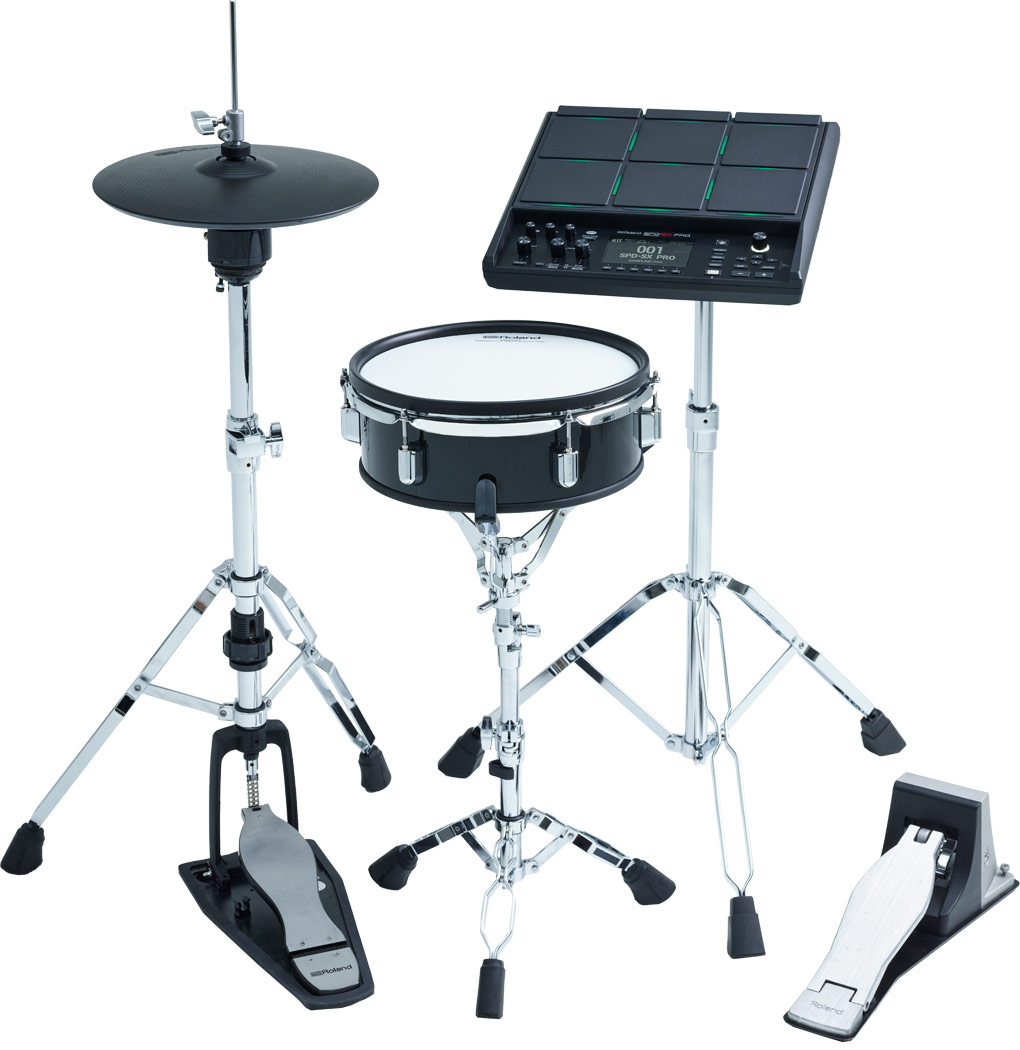
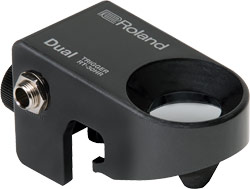
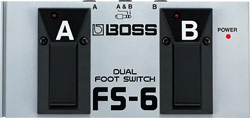
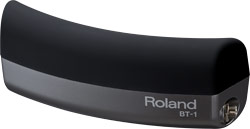
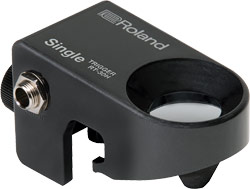
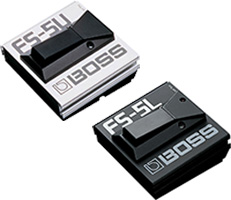
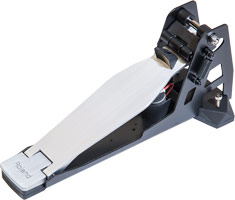
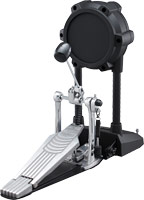
Expanded trigger inputs put even more playing possibilities at your fingertips—or feet. Perform with up to 19 surfaces when you max out all pads, external triggers, and footswitch inputs. Connect a hi-hat controller like the Roland VH-10 V-Hi-Hat and play with authentic open/closed expression. Or add snare and kick pads to create a mini drum set. Alternatively, you can connect an expression pedal for real-time effects control as you play.

Effects and Side Chain
Embrace a vast selection of high-quality processing to enhance and color sounds. Four MFX provide everything from mod, distortion, and filter effects to delays and reverbs, and you can assign them to any pad or external trigger input within each kit and use panel knobs for quick real-time control. Side chain compression is also available, ensuring that kick drums and other punchy sounds never get buried in the mix. And with the powerful master effects, you can process the overall sound system-wide or per kit.
Command and Control
The SPD-SX PRO offers deep capabilities for mixing sounds and controlling external triggers live. Newly added mute features let you mute connected acoustic drum triggers and other devices with pad strikes, completely reconfiguring your setup with a single action. You can also play continuous backing tracks on pads and dynamically mute their audio as you perform, emulating a common DJ technique for improvising during sets.
 CRAIG BLUNDELL / STEVE HACKETT GENESIS REVISITED TOUR / UK
16-Step Pad Sequencer
Streamline your performance prep with the onboard 16-step pad sequencer. Assign up to 16 steps to pads within each kit, then coordinate sequence playback in real time. There’s no need to remember where each sound is on the pads—once programmed, hitting your chosen pad will trigger the sequence, making live-show production simple.

Increased Pad Link
Have a backing track and an audio click track that need to start together? When you use pad link, you can hit a single pad and start audio from two pads simultaneously. Link any combination of pads and external triggers, then use mute groups to silence a previous pad as you strike the next, so only one pad plays at a time. Together, full pad link and mute groups create unlimited track, loop, and audio combinations within each kit.
Click Track
As the drummer, it’s your job to drive the beat behind the performance and lock in the band. Thanks to the flexible onboard click, staying in time has never been easier. Assign any sound and the desired note value, then start the click from a pad, button, or an external trigger. You can set the click to alternate on/off, sound once, or restart each time you trigger it, always keeping you in complete control.


Pad Editing
Pad edit controls are within easy reach when you need to tweak samples on the fly. Adjust volume and pitch with dedicated controls. Or press a button to adjust a pad’s attack and release settings. When you need to go deeper, the color display gives you clear access to many advanced parameters.
SPD Sampling Pads
With advanced triggering and sampling technology, these pads fit perfectly into both electronic and hybrid setups—from the live stage to the recording studio, DJ booth, or home music room.

SPD-SX
- 16 GB of internal storage
- Nine velocity-sensitive rubber pads
- Two external dual-trigger inputs
- Large backlit LCD

SPD::ONE WAV PAD
- 4 GB of internal storage
- Pad that can be played with drumsticks, hands, or feet
- Main stereo output, plus stereo headphones output
- Powered by batteries (4 x AA) or AC adaptor