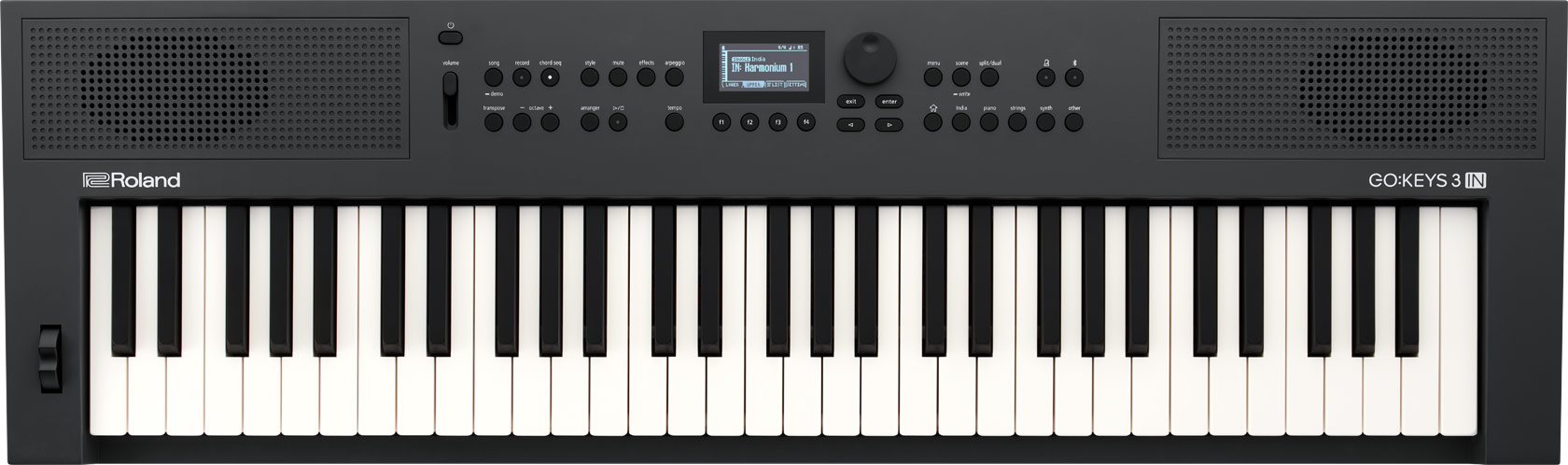
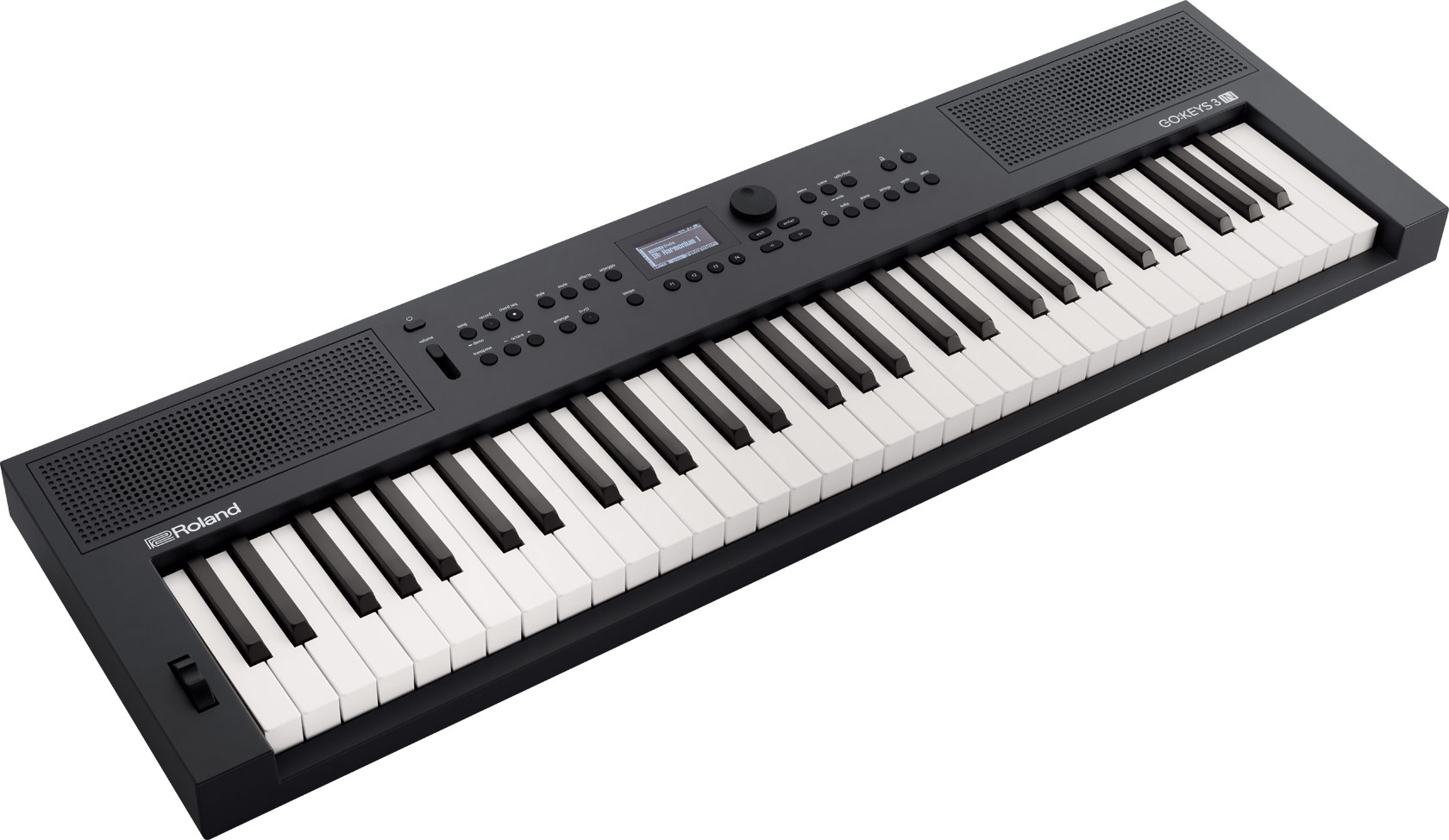
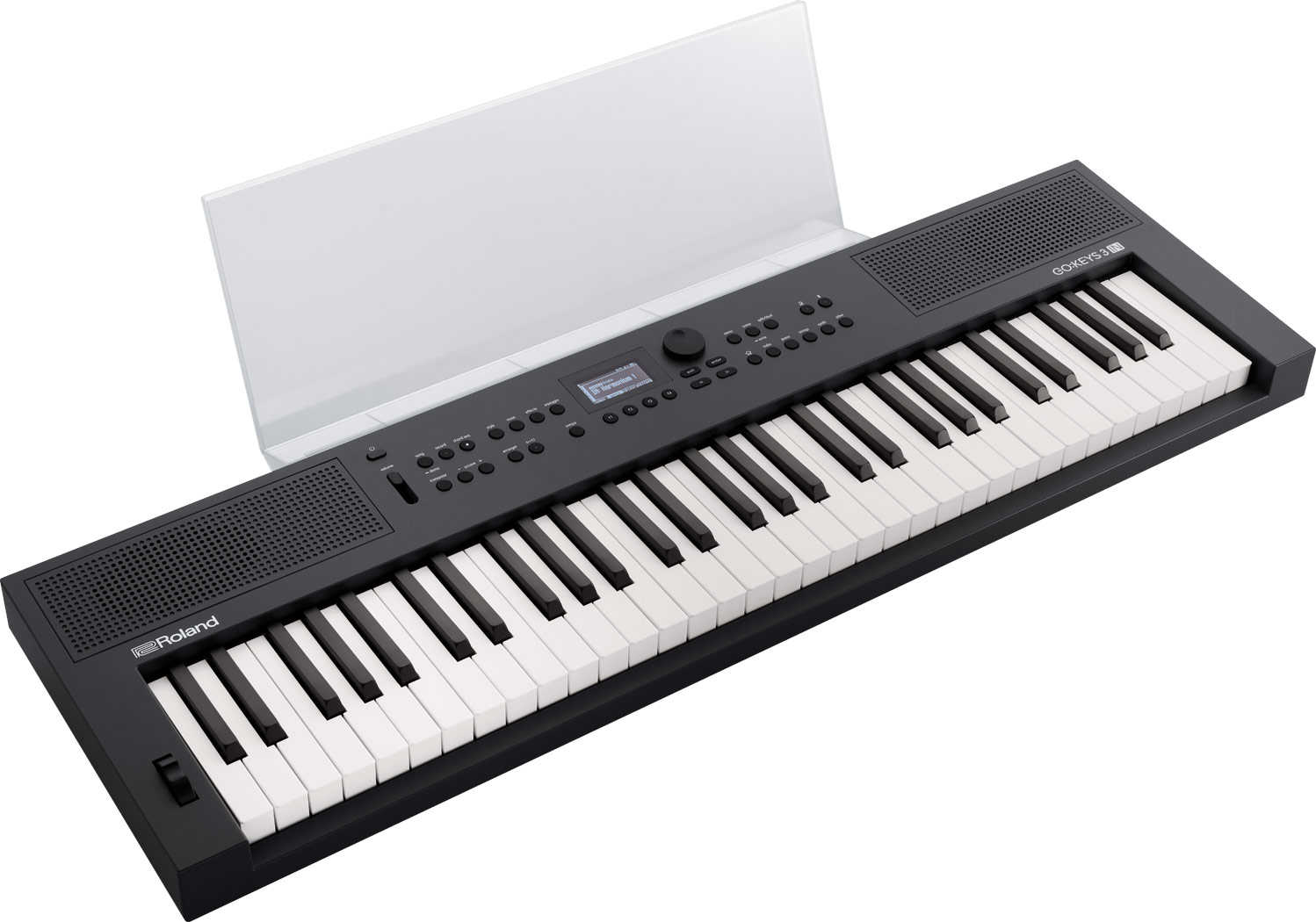
Authentic Indian Sounds and Styles in an Inspiring Portable Keyboard
Do you have a passion for music? GO:KEYS 3 IN makes it easy to go from being a fan to an active music creator. Whether you’re into traditional Indian music, Bollywood styles, electronic dance music, or Western genres, this is the keyboard for you. Packed with a massive variety of sounds—including a wide range of authentic Indian instruments—this fun keyboard encourages you to explore new musical ideas in the moment. Just power on, push a few buttons, and let your imagination flow. And as your skills develop, deeper features allow you to travel as far as your ambition takes you.
With GO:KEYS 3 IN under your fingers, you have everything you need to turn your musical dreams into reality.


Creativity Starts Here
Learning music doesn’t have to be hard. GO:KEYS 3 IN invites exploration at every turn, urging your inner creative voice to emerge. The friendly, interactive interface stimulates discovery and spontaneous musical moments, even if you’ve never played an instrument before.

Versatile Sounds for Indian and Western Music
Playing one note with an inspiring sound is often all it takes to spark a complete idea. GO:KEYS 3 IN features over 1000 sounds from Roland’s historic library, including a curated selection for all types of Indian music styles. Journey through a universe of possibilities using the expressive 61-note keyboard, from Indian melodic and rhythm instruments like sitar, santoor, and tabla to Western instruments like acoustic piano, guitar, synthesizer, and beyond.

Melodic Magic
Once you find a sound that energizes you, experiment by creating melodies and arpeggios over automatic musical backing. GO:KEYS 3 IN is filled with ready-made chord progressions in tabla taal, Bollywood, and other Indian styles. Additionally, you can craft your own chord sequences and find the progressions for your favorite songs online or with dedicated apps.

Mix and Match
As a chord progression loops, discover your own performance style by remixing sounds. Change things up with four variations. Drop parts in and out, including rhythms, melodic phrases, and supporting chords. Swap instruments for a different vibe. And create dynamic energy by processing the entire sound with filtering, lo-fi tones, beat slicing, and other captivating performance effects.

Lead the Band
After you’ve mastered chord progressions, go even further by directing a band of virtual musicians. GO:KEYS 3 IN offers a wide array of dynamic accompaniments controlled by one or two left-hand fingers. Jam melodies and solos with your right hand as the band backs every move. Then weave in more sophisticated textures with full left-hand chords as your technique grows.

Record and Share
At any time, you can instantly capture what you’re doing with GO:KEYS 3 IN and listen back. Analyze and refine your ideas. Show off your progress with family and friends. Or share your skills with the world on social media.

Compact Music Companion
With its portable, all-in-one design, you can pick up GO:KEYS 3 IN and enjoy music anywhere in your living space. The built-in stereo sound system delivers rich, satisfying sound, while support for AA battery power makes setup fast and easy. And when you want to play privately, plug in headphones or earbuds to enjoy playing without disturbing others.

Stream Songs and Create with Music Software
Listening to your favorite music is a great way to inspire the next creative session. Play songs from your music library via Bluetooth or USB memory and jam along. Then, use the center cancel function to remove the vocals and sing them yourself. GO:KEYS 3 IN also supports Bluetooth MIDI and audio/MIDI over USB, expanding your creative possibilities with music apps on computers or mobile devices.

Expand Your Sound Options on Roland Cloud
Want more inspiration? On Roland Cloud, there’s an ever-growing selection of premium sounds and exciting new arranger styles to explore. GO:KEYS 3 IN also supports Roland Cloud Connect, an optional wireless adapter that lets you browse, audition, and download Roland Cloud content from your smartphone.

Build Skills with Melodics™
When you’re ready to take the next step in your musical journey, Melodics Essentials for Roland is the perfect partner to extend the GO:KEYS experience. Available on Roland Cloud for an exclusive discounted price, this free-flowing app from Melodics makes learning fun and engaging with a unique visual approach to music education.

Meet the Family
GO:KEYS 5 offers additional tools to take your creative ambitions even further. There’s a more powerful onboard sound system, a microphone input with vocal effects, and enhanced connectivity for interfacing with music gear and external sound systems. The GO:KEYS 5 onboard library features mostly Western instruments, but you can add Indian sounds and styles with the EXI and STI collections on Roland Cloud.